Schools & Coding Clubs
PIXELFALLS is a lightweight, browser-based 2D game development environment I built to bridge the gap between block coding and professional text-based programming with Lua. I designed it to make core Computer Science ideas tangible and engaging for secondary students.
Early Days — Partners Welcome
Classroom-specific tooling for PIXELFALLS is in very early development. I would love input from teachers, department leads, and coding-club organisers to help shape what should be added — so PIXELFALLS can become a go-to Computer Science tool for schools. As a launch partner, your feedback helps decide the feature set, UI, and educational extras that matter in real lessons.
Why PIXELFALLS for Computing
Whether you use it for Key Stage 3 transition units, GCSE coursework, or A-Level / Level 3 object-oriented paradigms, PIXELFALLS runs in a standard browser without heavy hardware demands.
- Object-oriented thinking through node hierarchies and game entities you can see and edit
- Vectors, event polling, and spatial ideas made concrete in a playable world
- A clear step from blocks toward real text-based code (Lua)
- Works on typical school machines and networks — no specialised kits required
What Partners Get
- Free access — full, unrestricted use of the PIXELFALLS platform for your department and students (aligned with the free product offering)
- Shape the classroom product — your early feedback directly influences engine features, UI, and educational tools
- In-person demos & guest lessons — for schools near Brighton & Hove / West Sussex, I can visit to demonstrate PIXELFALLS, run an introductory workshop, or deliver a guest lesson
- IT & curriculum support — I will work with you and your IT team on network setup and how PIXELFALLS can fit your curriculum
What Students Can Use Today
These tools already ship in the browser IDE. Classroom management is still to come — that is where partner schools can have the biggest say.

Play Test Instantly
Hit play and see a game instantly. No compiling, no waiting — students can code, test, and iterate in the same lesson.

Share a Game in a Couple of Clicks
Publish with a short link so classmates or a whole room can play instantly — and every shared game gets its own unique QR code for phones and classroom screens.
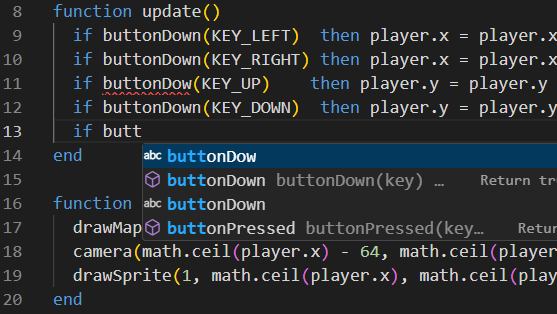
Fully Featured Code Editor
Real text-based coding in Lua, with autocomplete, suggestions, syntax highlighting, and smart sprite selection — a clear step on from block coding.
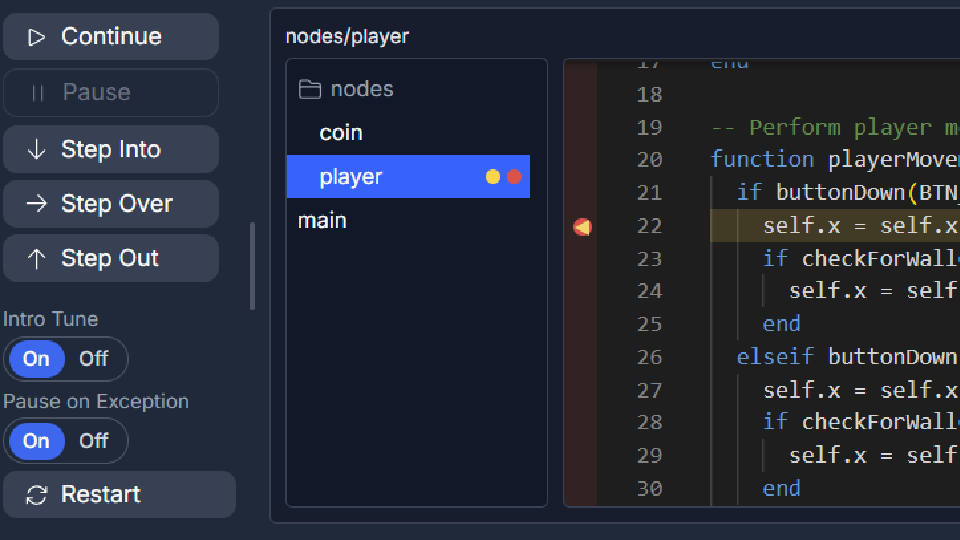
Full Debugging Built In
Pause on exceptions, set breakpoints, step through Lua, and inspect locals, globals, and the call stack — practical debugging skills without leaving the IDE.
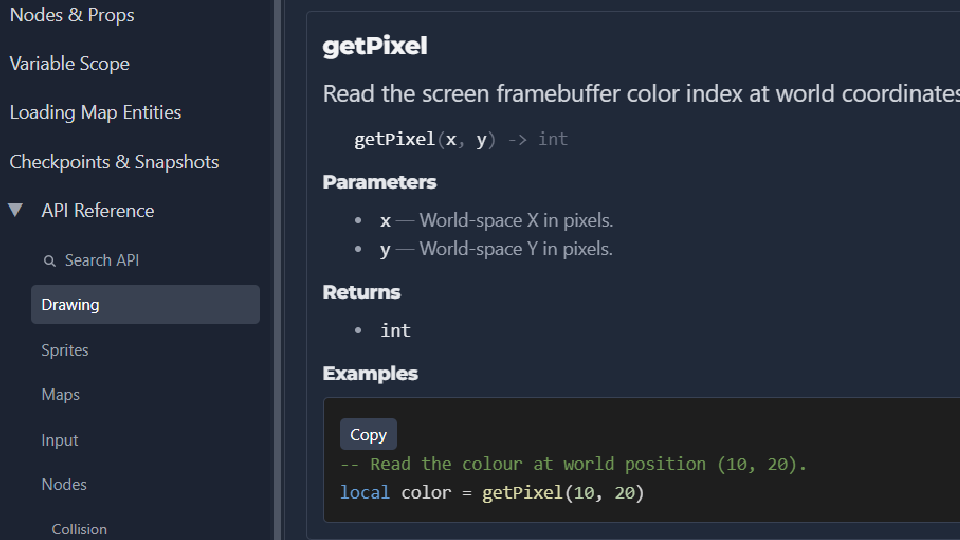
Clear, Practical Documentation
Engine APIs, examples, and guides live alongside the editor — so students can look things up quickly and keep building.
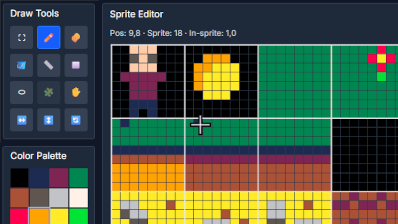
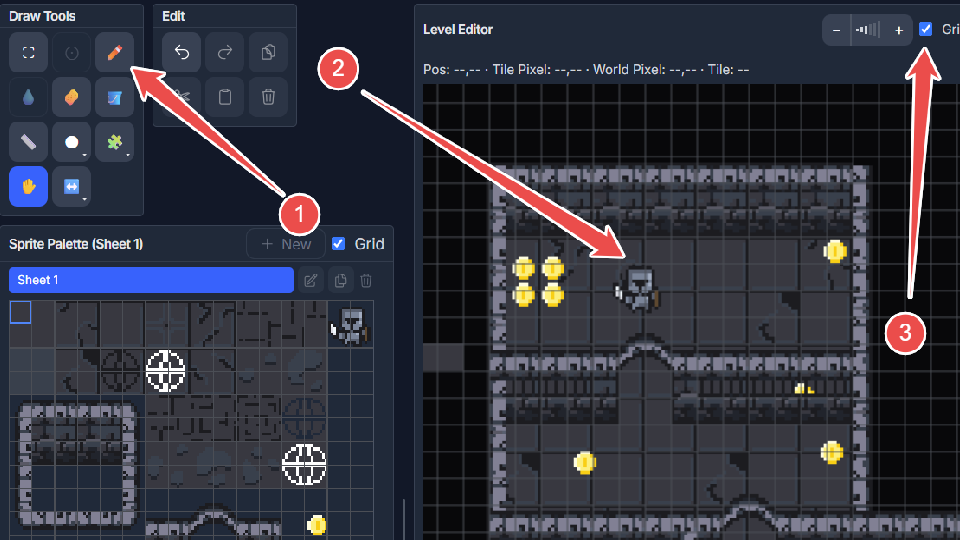
Instantly Familiar Sprite Editor
A complete pixel-art toolkit in the browser. Students can make sprites and tiles without jumping between apps.
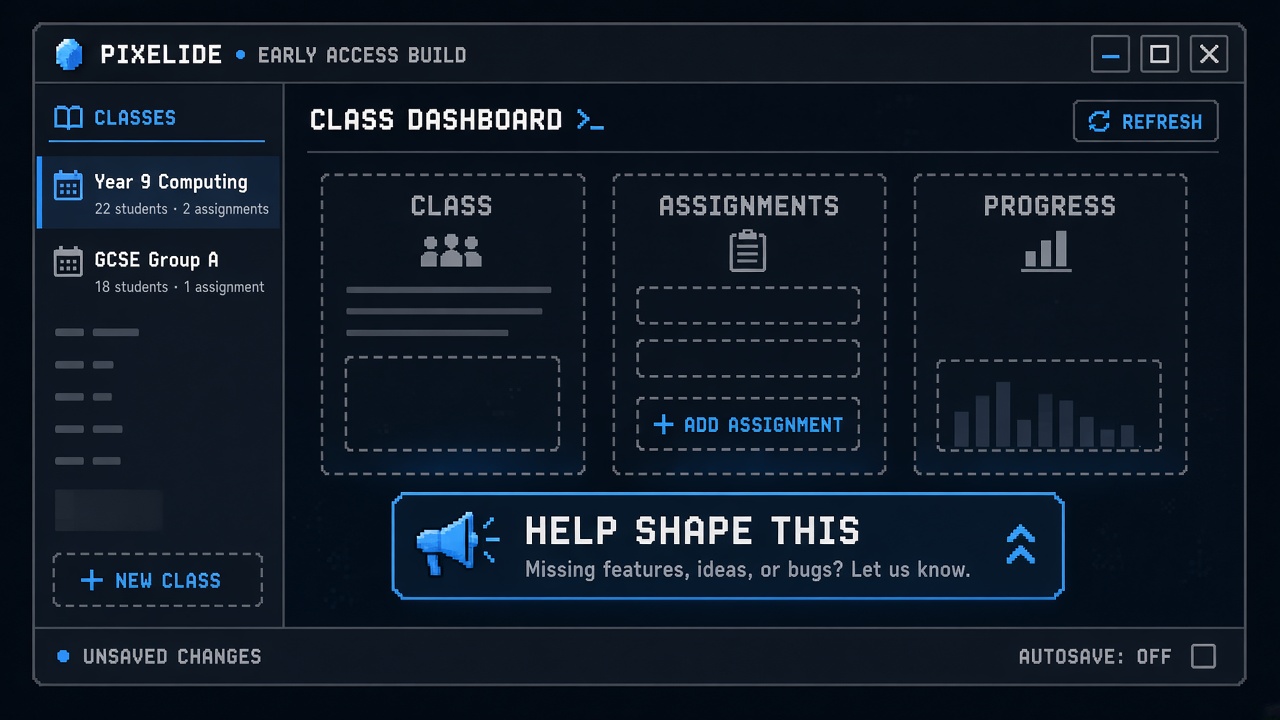
Help Shape This
School Management Tools
Class lists, assignments, progress views, and teacher controls are not built yet. As a launch partner, help shape what classroom management should look like for Computing departments.
Coming Soon
Byte-Size Tutorial Series
Short, classroom-friendly tutorials are on the way — bite-sized lessons teachers can drop into a period without a full course rewrite. Tell me which topics would help your students most.
Practical Notes
Open the editor in a browser at create.pixelfalls.co.uk. Browse the Docs when you want API and getting-started detail.
Get in Touch
If you are open to a brief chat, a quick demonstration, or scheduling an in-person session for your students, please get in touch — I would be glad to hear from you.